 Steve
Reviewing visits
Read the shopper's answers and evidence, answer the verifier questionnaire and accept the visit.
Sent visits wait on the Responses page under Surveys until a verifier accepts them.
Who can review
Organization admins can open, verify and accept every visit. Other members need access to the Surveys area. An organization admin sets it in Configuration → Users → Access for that member:
| Level | What the member can do |
|---|---|
| No access | Nothing in Surveys. |
| View | Open visits and read the answers, evidence and score. |
| Review | Everything in View, plus answer the verifier questionnaire and accept. |
Members only see visits of the companies they have access to. Building surveys and assigning visits stay with organization admins.
The Responses page
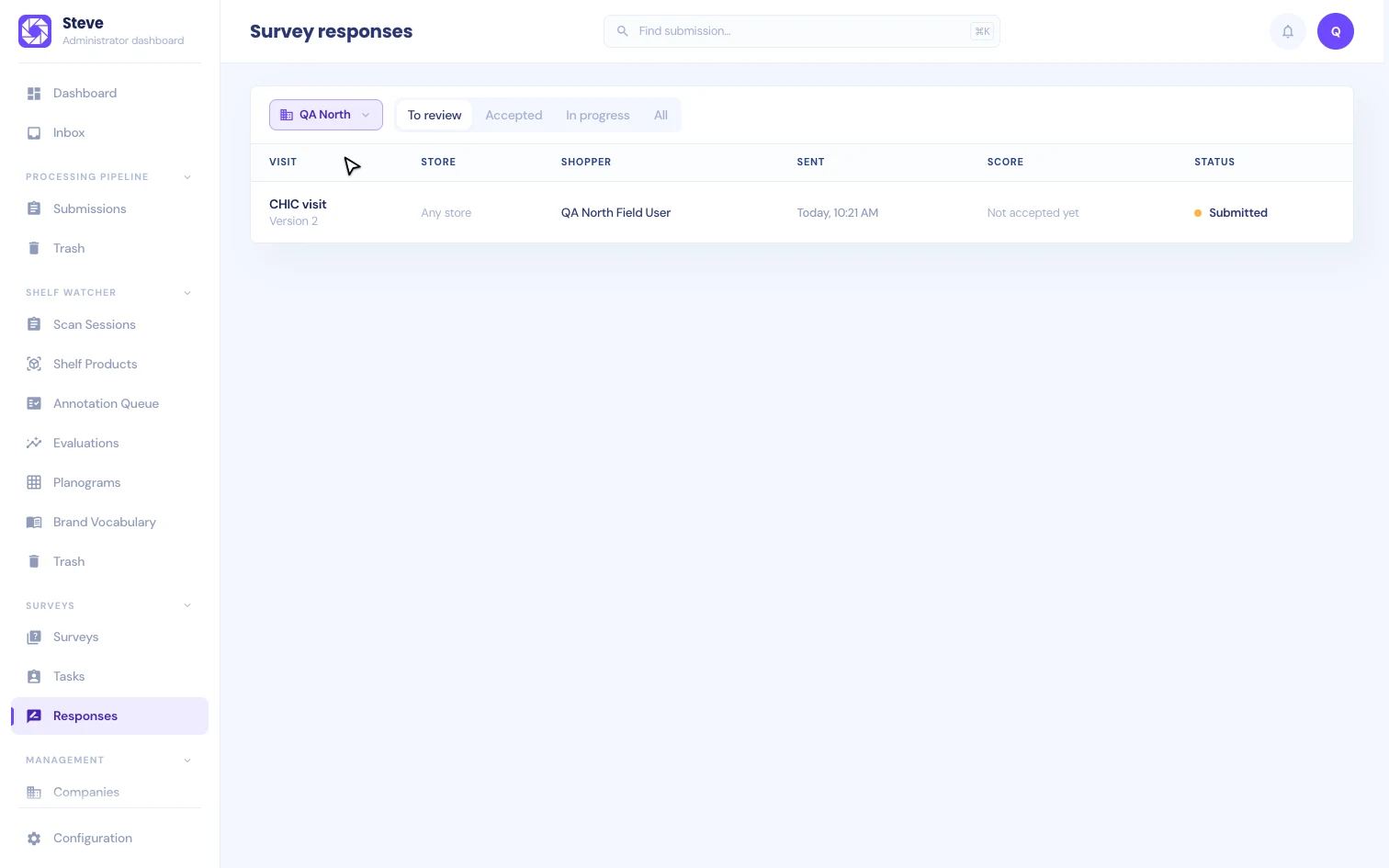
Pick a company, then choose what to Show: To review, Accepted, In progress or All. Each row shows the survey and version, the store, the shopper, when the visit was sent, the score and the status. The score reads "Not accepted yet" until someone accepts the visit.
Review a visit
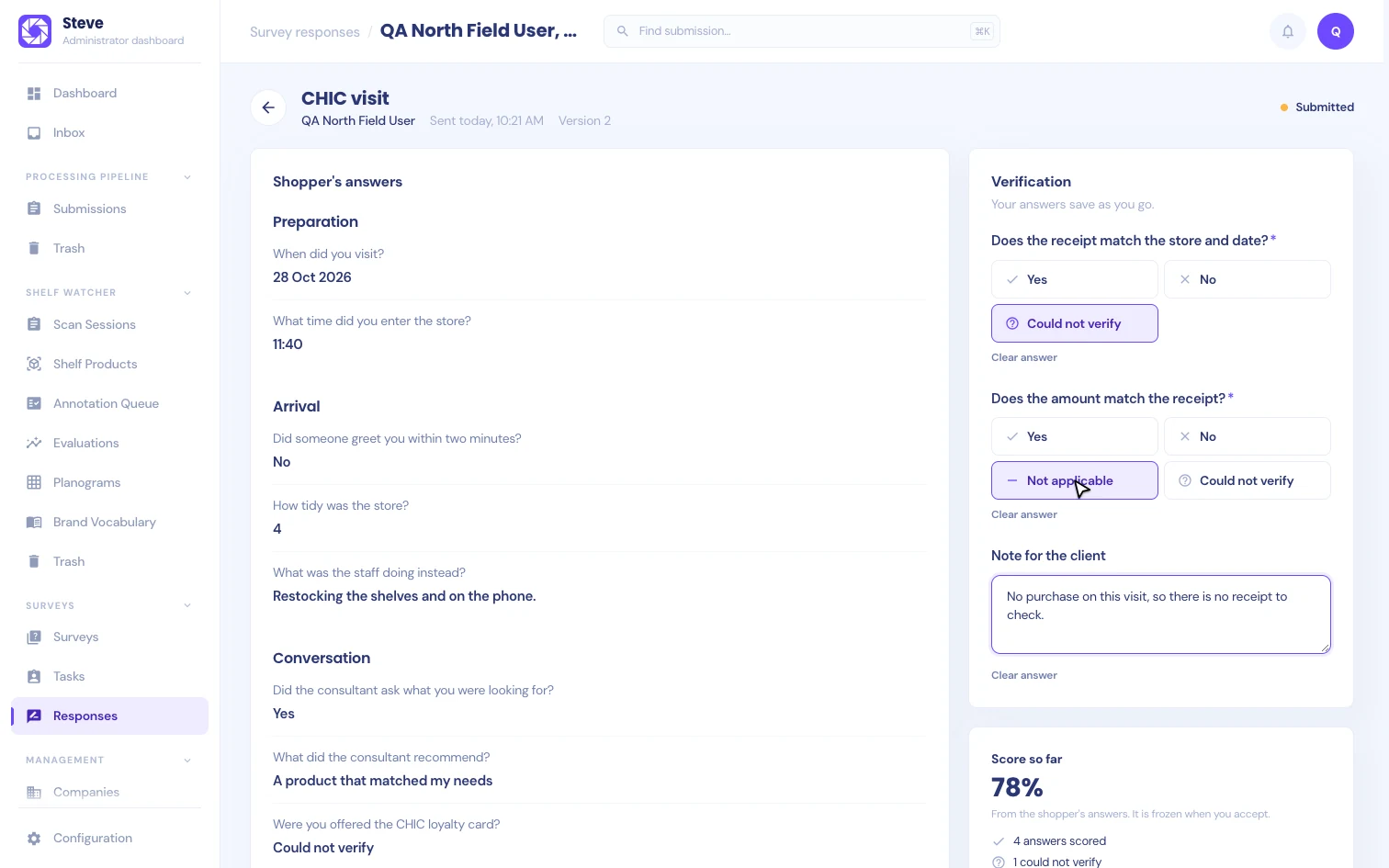
Open a visit to see the shopper's answers on the left and the verification on the right.
Shopper's answers
The answers appear by section, as the shopper saw them. Questions that the shopper's answers hid are folded under "2 questions hidden by their rules" (or however many). Open it to see each one with the reason it was hidden.
Where answers came from
When Steve suggested answers for the visit, each answer shows Manual, AI confirmed or AI changed, with the suggestion and where Steve found it. Answers that differ from a suggestion are counted above the answers, and the shopper's confirmation rate over the last 90 days is shown under the heading. A survey with recording on shows the Visit recording card, where you can also import a recording file. See On the response page.
Evidence
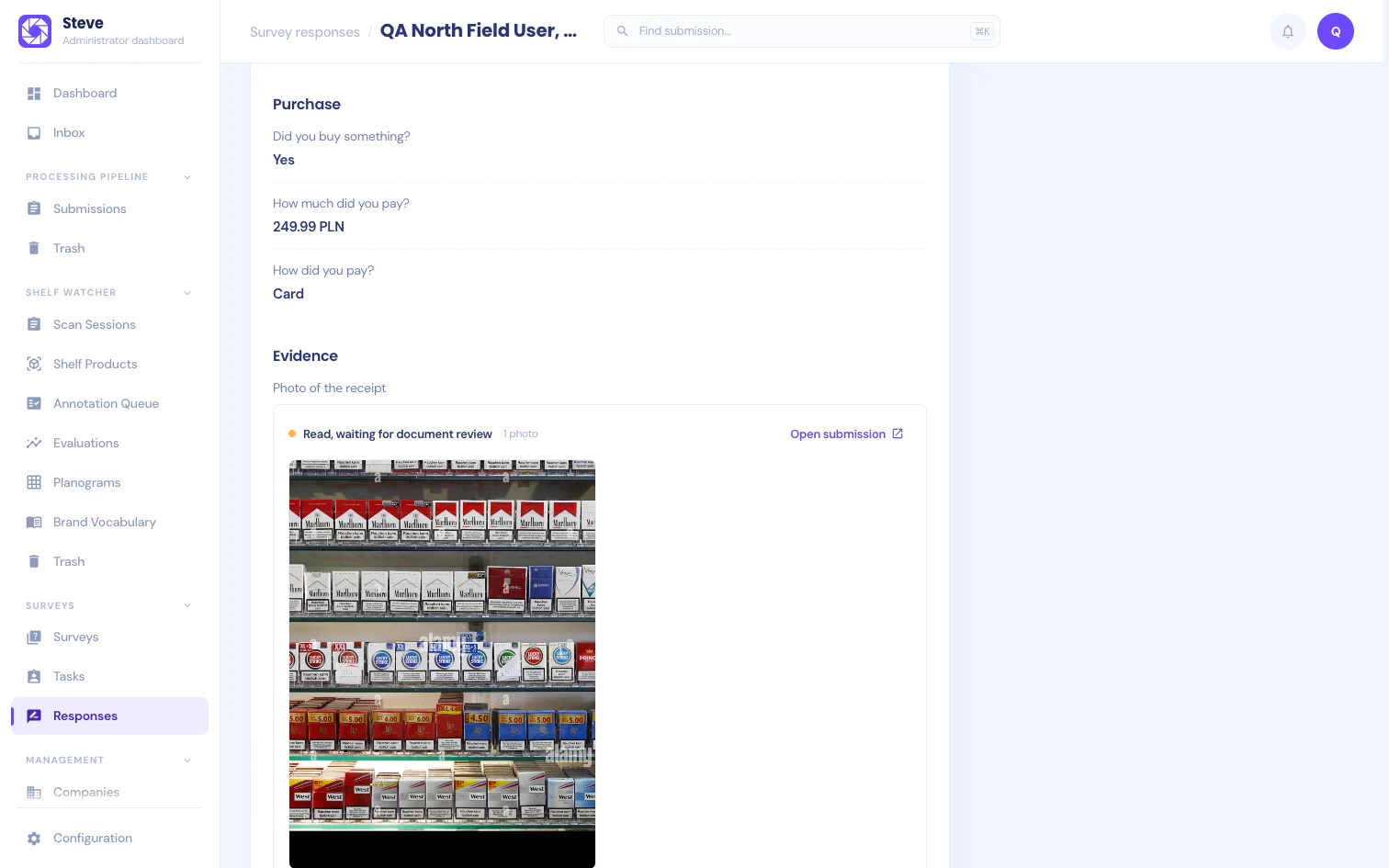
Every photo or receipt question shows a card per capture:
| Status | What it means |
|---|---|
| Uploading | The photo has not fully reached Steve yet. |
| Reading | Steve is reading the photo. |
| Read | Steve read it. The data it read is listed under the photo. |
| Read, waiting for document review | Steve read it and its submission waits for review in Submissions. |
| Couldn't read it | Processing failed. The reason is shown when Steve has one. |
| Photo too unclear to read | The capture quality check stopped it. |
Open submission goes to the evidence's submission in Submissions. The photo itself is only shown to people with access to Submissions. Everyone else sees the status and the data Steve read.
Verification
Answer the verifier questionnaire on the right. Your answers save as you go. You can answer once the shopper has sent the visit; an in-progress visit shows its answers so far but can't be verified yet.
Members with View access see the same page without the controls.
Score so far
Below the verification, Score so far shows the score calculated from the shopper's answers, with the counts of scored, unverified and not applicable answers and each section's percentage. See Scoring.
Accept the visit
Click Accept visit when you are done. Until the visit can be accepted, the button is disabled and Before accepting: lists what is left:
- Saving your answers: your last verifier answer is still saving.
- Answer a required verifier question, or Check the answer to one whose answer is no longer valid.
- Steve is still reading a photo. Accept once processing has finished.
- A recording is still arriving: the shopper is still recording, or its parts are still uploading.
- AI is still checking the evidence: Steve is still making suggestions.
Evidence that failed to process doesn't block accepting. It is recorded as failed. A receipt that is still waiting for document review in Submissions doesn't block it either.
Accepting freezes the visit:
- the shopper's answers and your verifier answers,
- the score, shown as Accepted score with when it was frozen and its score revision,
- the status of each piece of evidence and the data Steve had read from it,
- the visit's recordings with their status and lost parts, and the suggestion each answer had.
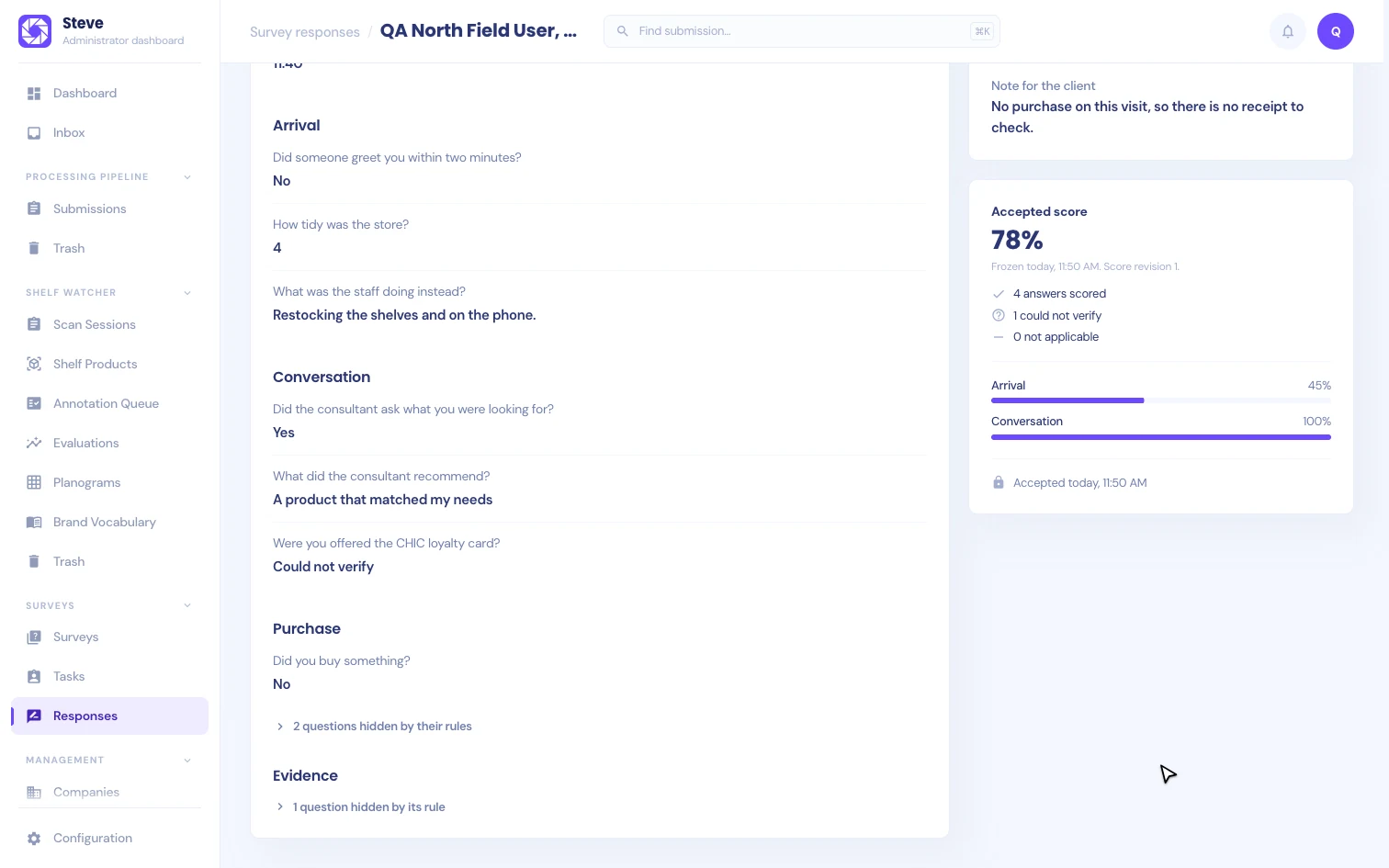
If a photo is read again after acceptance, its card says so, and the accepted score keeps the earlier reading. Nothing changes silently.
If the shopper's answers or another verifier's answers changed while you were reviewing, Steve doesn't accept. It shows the latest answers so you can check them and accept again.
Submitted is not accepted
When the shopper sends a visit, their app shows "Received by Steve, not accepted yet". That only means Steve has the answers. The visit is Submitted in the admin until a verifier accepts it, and only then does the field app show Accepted.
A cancelled visit can't be accepted. Its answers stay on record.
Current limits
- A verifier can't send a visit back to the shopper or correct the shopper's answers. - The verifier questionnaire has no photo or receipt questions and is not scored. - Accepted visits are not yet delivered to your client automatically. There is no export or data feed for visits yet.